
THE ILLUSTRATED BUYING GUIDE
How to buy on LoongBuy.
The next steps, shown.
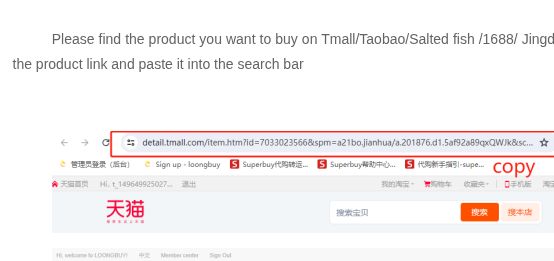
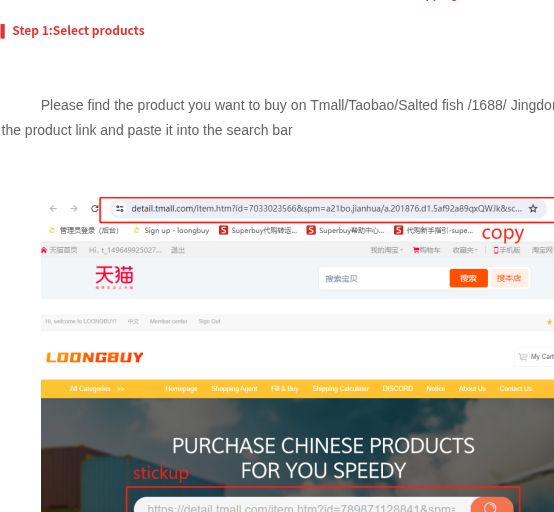
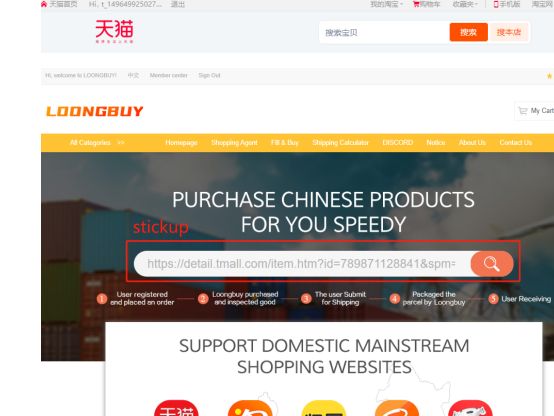
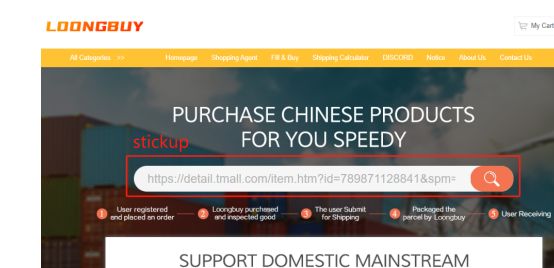
Follow the purchase from the Findsheet search box to LoongBuy, then use the official tutorial images to understand checkout, warehouse photos, shipping and tracking.
Have your intended product variant ready. Catalog prices and titles come from a historical export. Confirm the current item, specifications and total on LoongBuy before purchasing.
ON THIS WEBSITE
Find a product on LoongBuy Findsheet
On the Findsheet homepage, enter 7872202082 in the search box and press Search. Open the matching item from the results. You can also start with a category, a product name or an image.
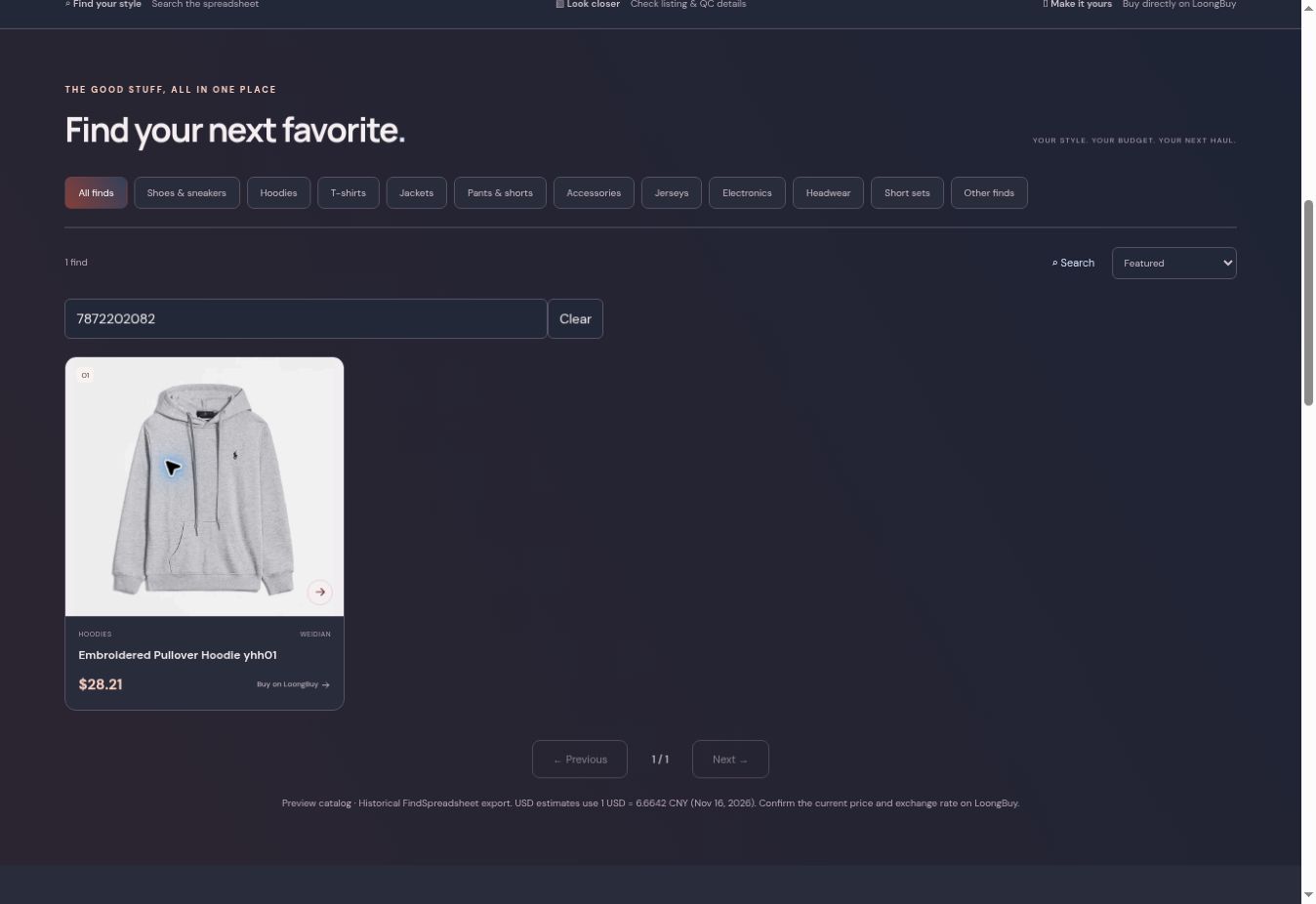
Match the product ID rather than relying only on a shortened title.
ON THIS WEBSITE
Open the product and continue to LoongBuy
On the Findsheet product page, use the arrows or thumbnails to inspect the listing photos. Confirm the Weidian item ID, then choose Buy on LoongBuy. The button opens that same item on the official platform.
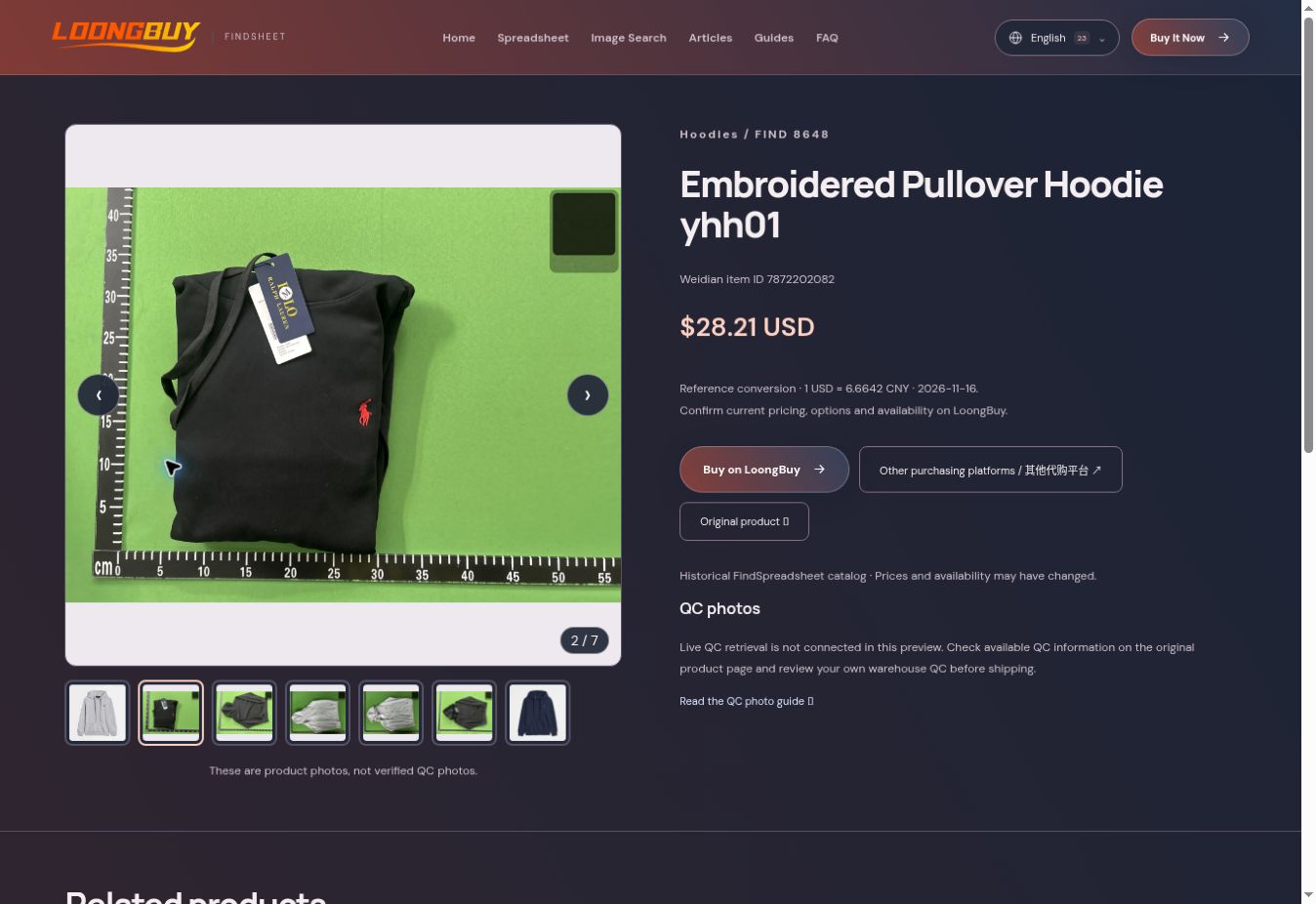
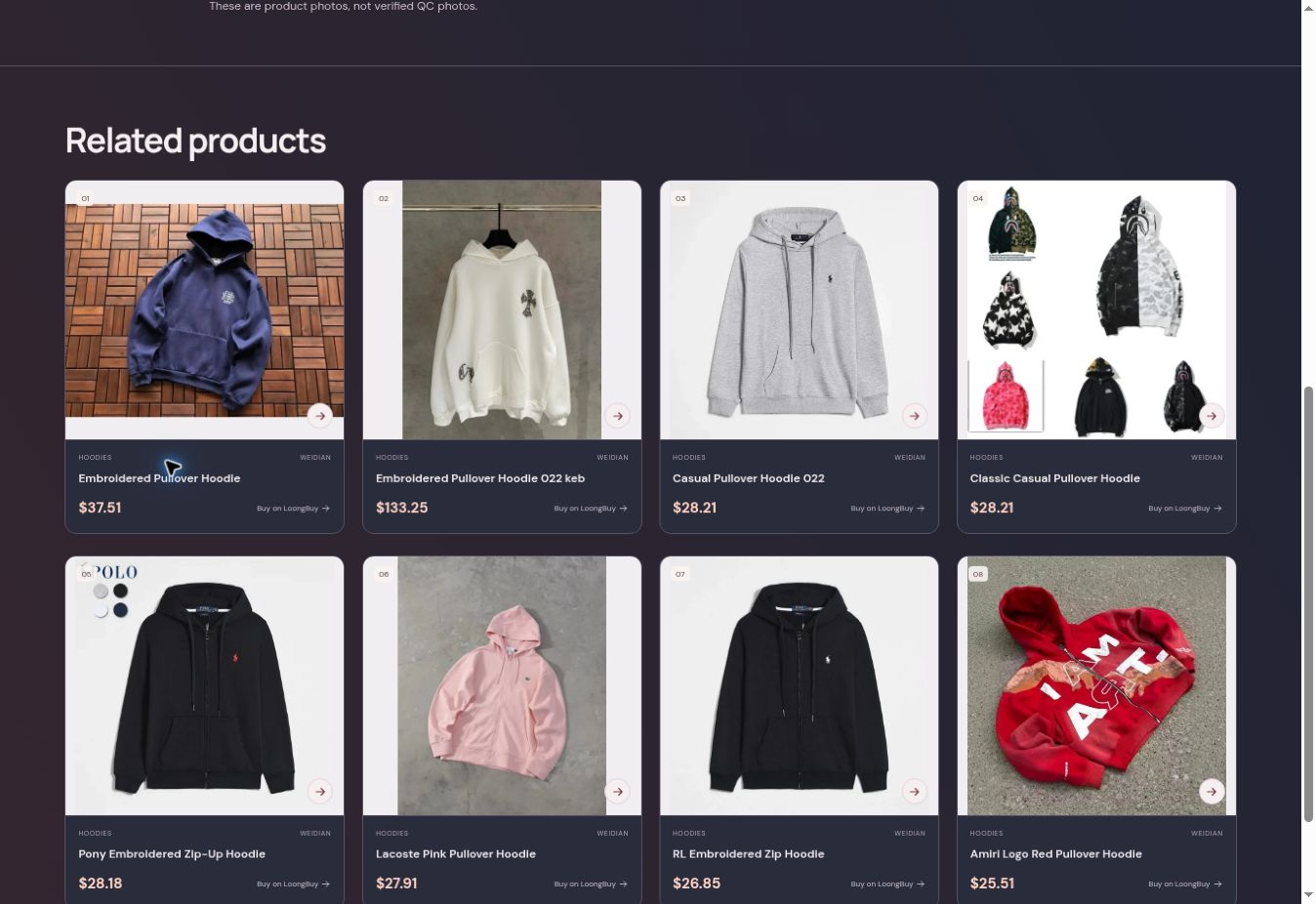
The USD price is a historical reference conversion. It is not the final LoongBuy total.
ON LOONGBUY.COM
Check the current listing and choose specifications
On the official product page, select a style under Shape, then select a size and check the quantity. The screenshot shows the first gray style in size M with quantity one. Verify the selected variant and current price before continuing.
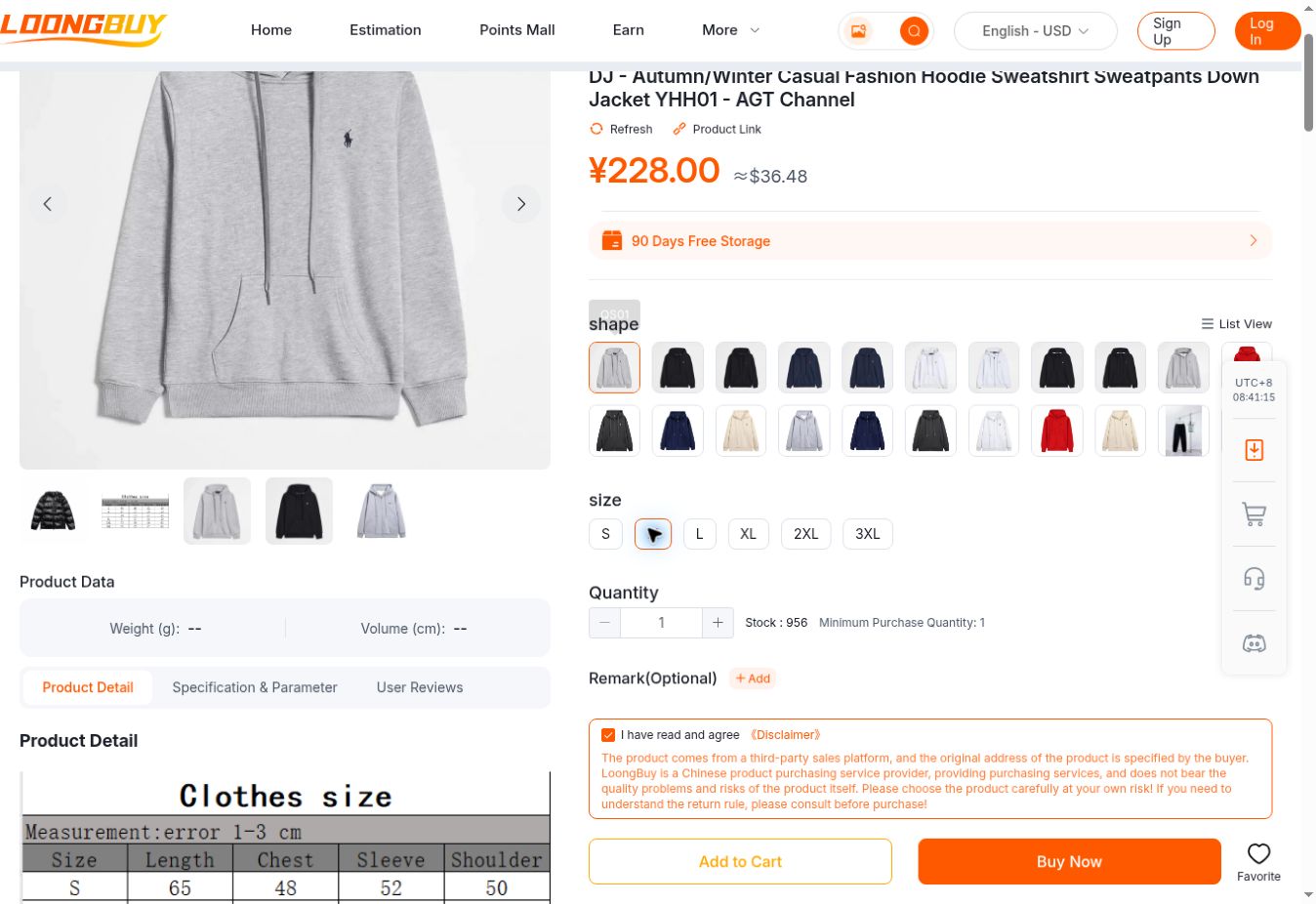
Review the terms and current order information yourself before proceeding with Add to Cart or Buy Now.
ON LOONGBUY.COM
Sign in on the official platform
If you are not signed in, use the official Log In page. Existing users can use an available sign-in method; new users can use the registration option shown there. Complete account steps on LoongBuy, then return to the product selection when needed.
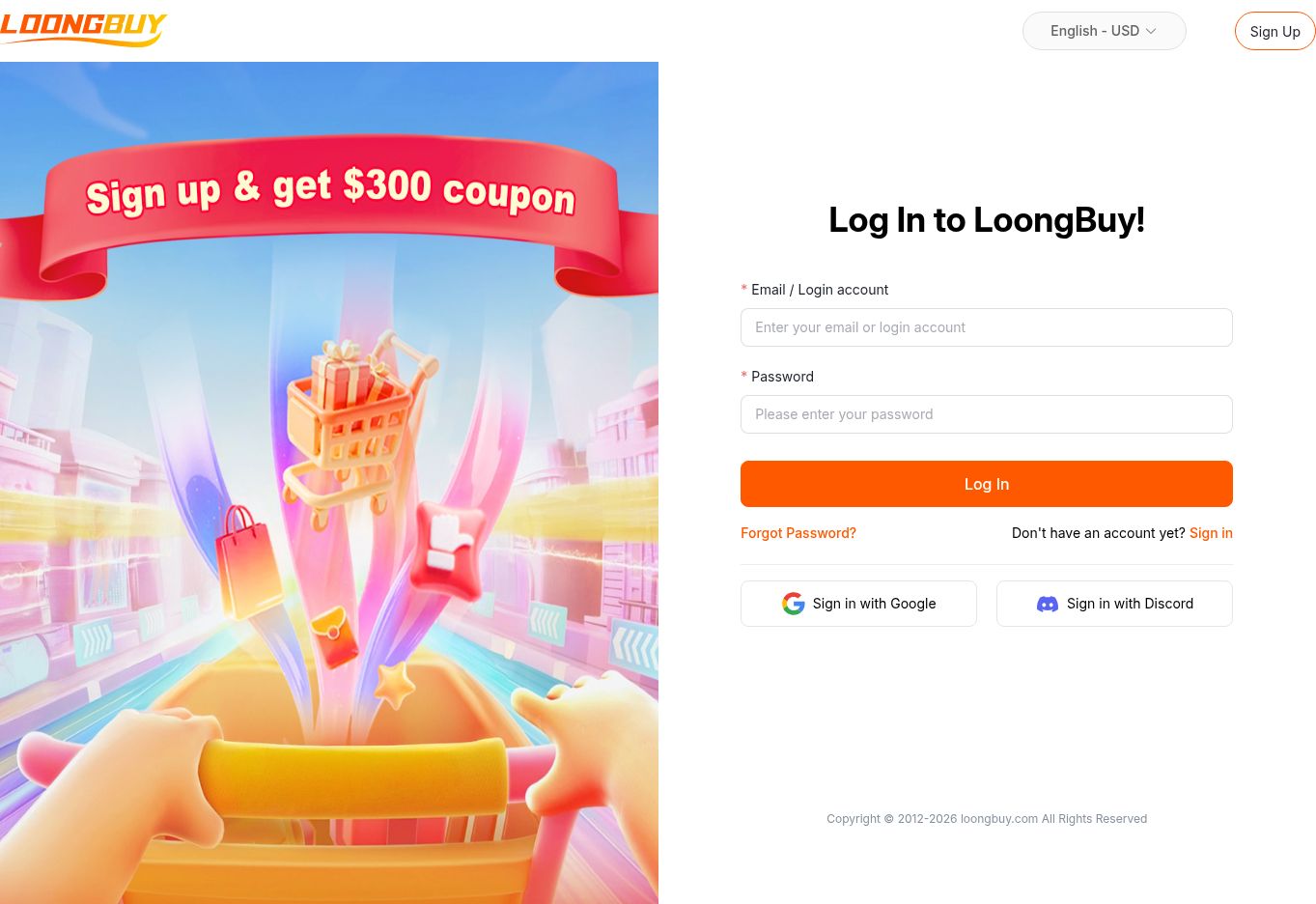
Findsheet never asks for your LoongBuy password and cannot access your private account.
YOUR PRIVATE LOONGBUY ACCOUNT
Review and pay for the selected goods
Follow the official checkout, compare the item, variant and quantity, and review all charges shown before you decide to pay. The official shopping process describes product purchasing separately from international parcel shipping.
This tutorial did not create an order or execute a payment. The checkout image is an example from the official public tutorial, not a payment made by us.
YOUR PRIVATE LOONGBUY ACCOUNT
Follow the order and review warehouse photos
Use your order and warehouse information to follow progress and review the photos associated with your items. Compare the selected product, quantity, size, color and visible condition. Ask a specific question if an important detail is unclear.
This image is the official public tutorial’s warehouse example, not an order placed by this website. Its older interface may differ from your current account.
YOUR PRIVATE LOONGBUY ACCOUNT
Prepare a parcel and compare the available quote
The official process continues through warehouse parcel preparation, recipient information and the available shipping quotation. Check the contents and packing assumptions, compare the options shown for your parcel, and read the current terms before paying for international shipping.
The rates and route labels in an old tutorial screenshot are examples, not current offers.
YOUR PRIVATE LOONGBUY ACCOUNT
Track the parcel and keep the right reference
Use the parcel record and tracking entry for the shipment you submitted. Keep the order and parcel references together, record the last visible event, and contact official support with the correct reference if something needs clarification.
The reference shown below is a public instructional example. Findsheet does not provide private order or parcel tracking.
Official process and screenshot sources
The Findsheet and public LoongBuy screenshots were captured on November 17, 2026. Checkout, warehouse, shipping and tracking use older examples published in the official Shopping Process tutorial.